ArtLens App Download Instructions
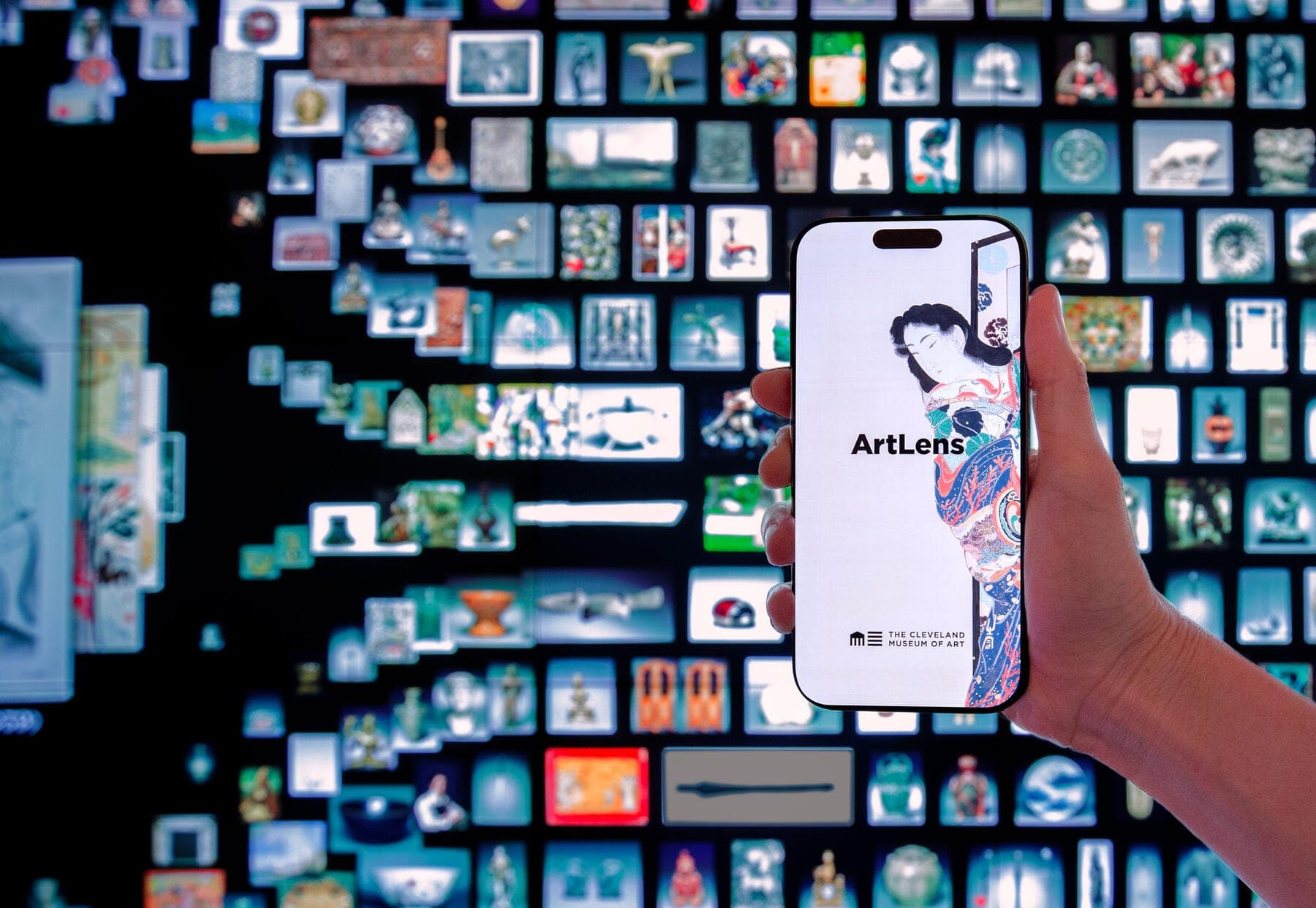
Photo courtesy of Dome Collective
ArtLens App is free and is available via the App Store for iPhone and iPad and available via the Google Play Store for Android devices.
Download ArtLens App on Your iPhone or iPad
While you’re at home or on another robust Wi-Fi network, do the following:
- Check your hardware. ArtLens App requires iOS 16.4 or higher.
- If you are at the museum, connect to the ARTLENS Wi-Fi network.
- Download ArtLens from the App Store (opens in a new tab). (If you don’t have an Apple ID, you will need to create an account.)
- Launch ArtLens App.
- To access all the features of ArtLens App, enable these settings:
1. Allow location
2. Enable Bluetooth
3. Connect to ARTLENS Wi-Fi
- Once you’ve enabled every setting, you're all set to see thousands of objects, take tours, and enjoy hundreds of videos and quick facts.
Download ArtLens App on Your Android Device
While you’re at home or on another robust Wi-Fi network:
- Check your software. Confirm that your Android device is running version 15.0 or higher.
- If you are at the museum, connect to the ARTLENS Wi-Fi network.
- Download ArtLens App from the Google Play Store (opens in a new tab). (If you don’t have a Google account, you will need to create one.)
- Launch ArtLens App.
- To access all the features of ArtLens App, enable these settings:
1. Allow location
2. Enable Bluetooth
3. Connect to ARTLENS Wi-Fi
- Once you've enabled every setting, you're all set to see thousands of objects, take tours, and enjoy hundreds of videos and quick facts.
We recommend that you download ArtLens App before you visit the museum so you can get started as soon as you arrive.
Before Arriving at the Museum
- Check your privacy settings to ensure that ArtLens App has access to Bluetooth, camera, and location.
- Don’t forget to charge your device before you arrive.
- There are various features in the app that include audio, including videos associated with objects in galleries. We encourage you to bring headphones.
When You Arrive at the Museum’s North Lobby
- Turn on Bluetooth.
- Connect to the ARTLENS Wi-Fi network to hear videos and use wayfinding features.
- Allow ArtLens App to access your location.
ArtLens App contains interpretive content for every work of art on view at the Cleveland Museum of Art. Real-time updates ensure that users have access to the most accurate information available. The app is compatible with screen readers such as VoiceOver on iOS and Select to Speak and TalkBack on Android. Enable the service through your device’s settings, then follow the screen reader’s instructions to navigate through the app and to read information on all object pages. In addition, iPads preloaded with ArtLens App and screen readers are available to rent for FREE at the ArtLens Gallery help desk.
An ArtLens tech is always stationed in the gallery to answer any questions or to assist you with the downloading process.
Having problems downloading or have additional questions?
Email artlens@clevelandart.org.